Feedback

WHY VMP™ Pass

Easily create and store secure passwords

It's simple. You remember your vault password. VMP™ Pass remembers the rest.

Contact sales

Personal and business plans.

VMP™ Pass Interface

Security is ever evolving. So is VMP™ Pass.

VMP™ Pass, now fully independent with control over its new cloud-native infrastructure, has transformed its software development, operations, and security.

Enhanced encryption standards to protect data and ensure integrity.

Upgraded operational controls to better defend against cyber threats.

Improved user experience by strengthening product and service security.

Built right operational layers of top security and privacy systems.

Password management made easy

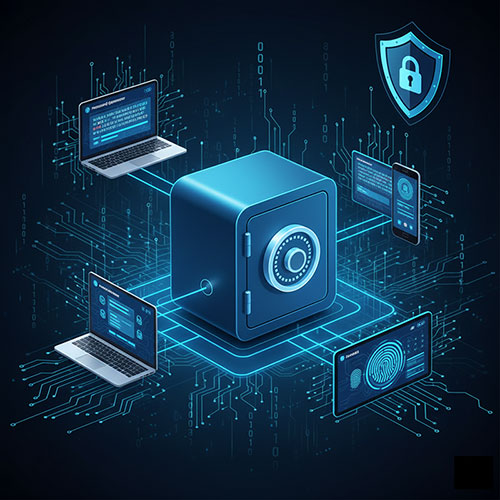
Synchronize passwords across devices

With a VMP™ Pass subscription, you're not limited to one device – your passwords go wherever you go. Once you install the VMP™ Pass browser extension and app, your passwords are available on any device – smartphone, computer, tablet.

Explore device sync →
Device Synchronization

Feel good about forgetting your passwords

With VMP™ Pass, you can forget about remembering passwords. Store your credentials securely and access them whenever you need with just a master password.

Securely autofill forms, logins, etc.

Save time and reduce errors with secure autofill. VMP™ Pass automatically fills in your login credentials and forms across all your devices.

Protect your digital life with built-in security

Zero-knowledge security

Your data is kept secret, even from us. Your vault is encrypted with the device-level. Only you can unlock it with your master password.

Learn about security →

Be aware of digital threats

Data breaches are becoming more common. Our dark web monitoring immediately notifies you if your data has been compromised online.

Dark web monitoring →

Nurture your habits

VMP™ Pass helps you find and update weak and reused passwords with strong, unique ones created with the VMP™ Pass password generator.

Security dashboard →

Multifactor authentication

Enable additional authentication, like a one-time passcode or fingerprint scan, to make it nearly impossible for hackers to access your accounts.

Multifactor options →
Coming Soon

A password solution designed for everyone

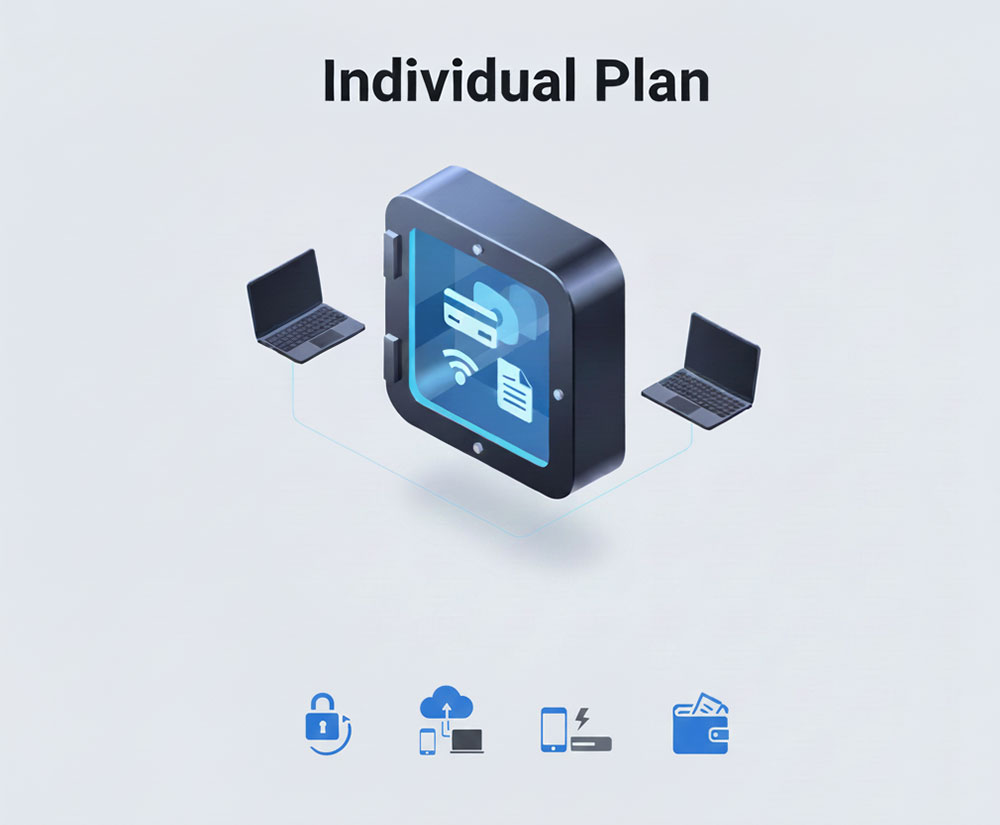
Password Management for Individuals

Your accounts, available everywhere, anytime

  • Create unique, secure passwords for all your accounts instantly, reducing the risk of reuse.
  • Securely save passwords in VMP™ Pass and access them across all devices without remembering them.
  • Log in or check out instantly with autofills account information.
  • Your vault can hold passwords, credit cards, Wi-Fi details, addresses, documents, and more.

Enjoy a 30-day complimentary trial of VMP™ Pass Premium.

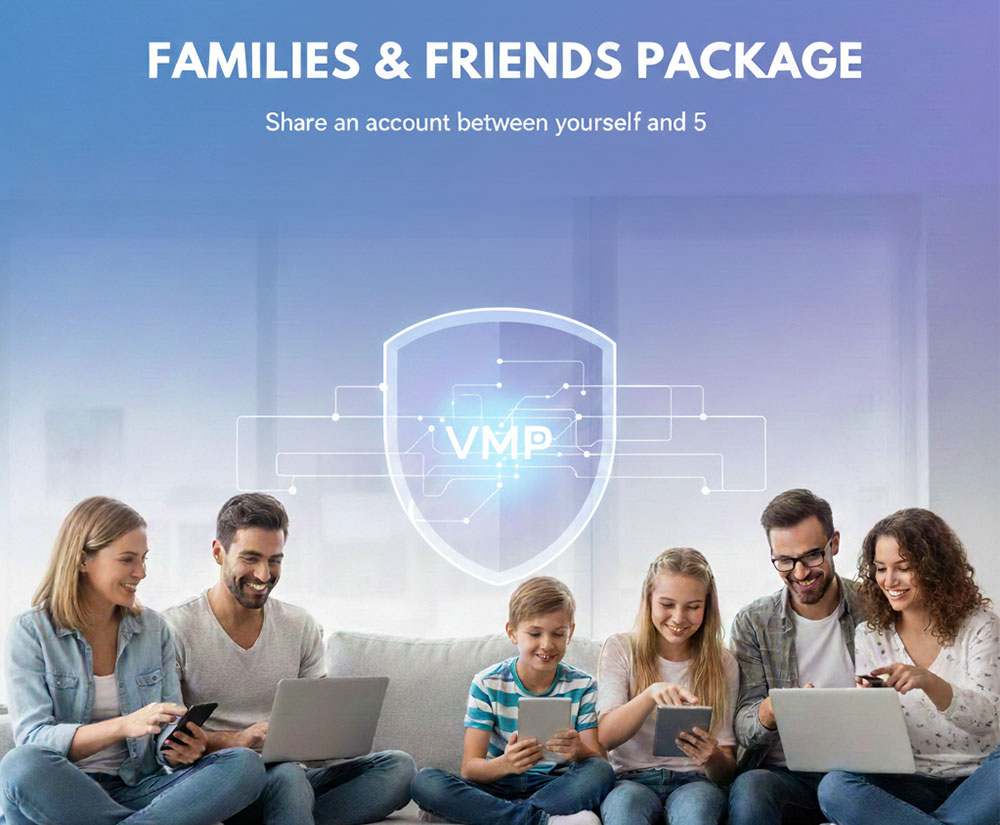
Password Management for Families

Create secure logins for your whole crew

  • Share an account between yourself and 5 friends or family members for seamless security
  • Create, store, and autofill passwords to simplify logins for everyone—no remembering required
  • Share passwords and account info from anywhere, across all devices and browsers
  • Keep things organized with shared vault for passwords, docs, and more

Free 30-day VMP™ Pass Family trial.

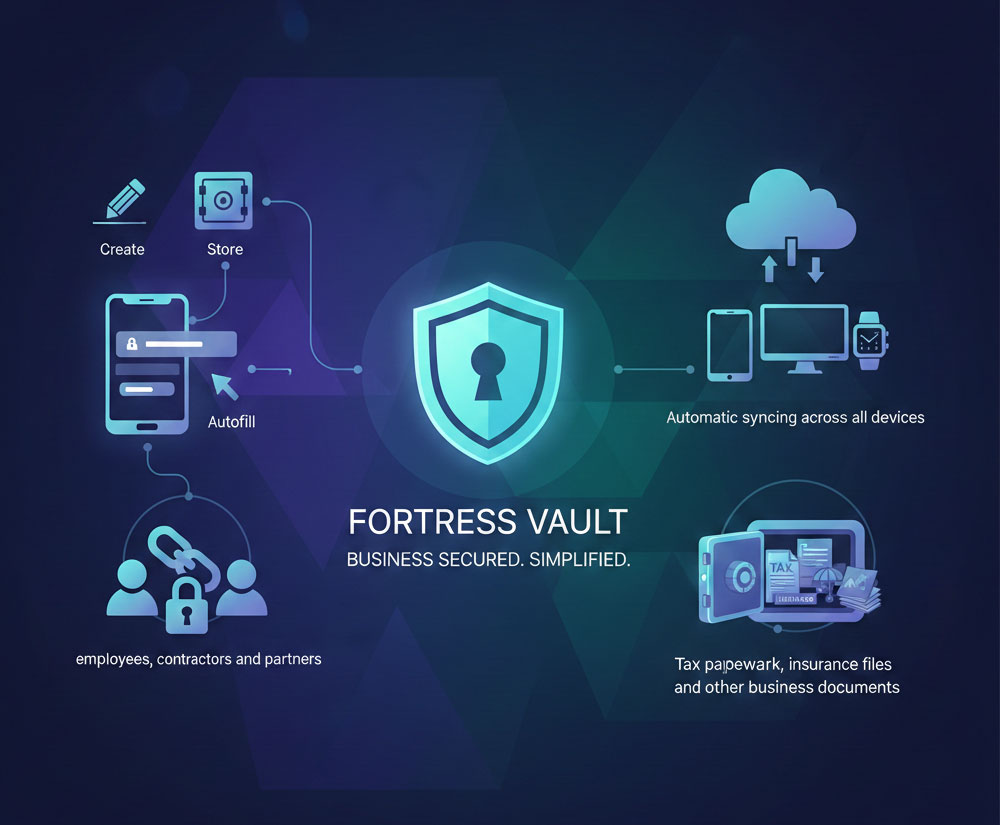
Password Management for Business Owners

Keep your business running without password roadblocks

  • Create, store, and autofill passwords and account information for simple, fast logins
  • Securely share passwords with employees, contractors, and partners while maintaining control over access
  • Stay connected to your business accounts at all times with automatic syncing across all devices
  • Store more than passwords in your vault, including tax paperwork, insurance files, and other business documents

Free 14-day VMP™ Pass Business trial.

Password Management for Business Teams

Work better while protecting your team

  • Quickly give new teammates the credentials and access they need to do their best work
  • Share logins the right way —no more spreadsheets or sticky notes
  • Keep your workflows moving with autofill and shared vaults
  • Control who sees what with customizable access for every role

Free 14-day VMP™ Pass Teams trial.

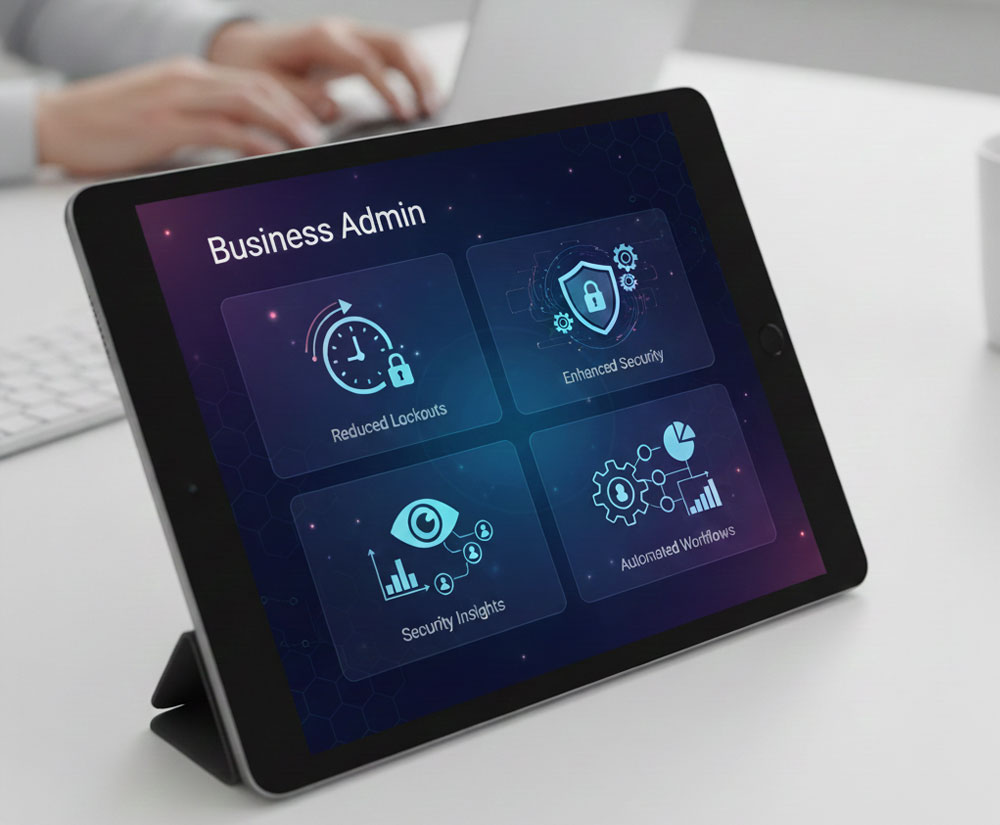
Password Management for Business Admins

Secure your business without creating more work

  • Standardize how your company manages credentials to reduce risk and remove friction
  • Spend less time on password lockouts and access-related support tickets
  • Get visibility into potential security gaps across your team and tools with SaaS Monitoring
  • Automate onboarding, offboarding, access protocols, reporting, and more with ease-to-use admin tools

Custom pricing for enterprise solutions. Contact us for details.

Select a plan that works best for you

Experience it free for a limited time.

Weekly

Manage passwords securely across all devices with the Individual plan.

$8.99 -0%
$8.99 /weekly

Billed weekly*

Buy Premium

For personal use across devices:

  • Save unlimited passwords
  • Access on all devices
  • Save and autofill

Monthly

Manage passwords securely across all devices with the Individual plan.

$11.99 -0%
$11.99 /monthly

Billed monthly*

Buy Premium

For personal use across devices:

  • Save unlimited passwords
  • Access on all devices
  • Save and autofill

Yearly

Manage passwords securely across all devices with the Individual plan.

$69.99 -0%
$69.99 /yearly

Billed yearly*

Buy Premium

For personal use across devices:

  • Save unlimited passwords
  • Access on all devices
  • Save and autofill

Free

For starters

Supports 1 device type. Manage passwords with unlimited storage, autofill, dark web monitoring, and basic sharing. Learn more

Get Free

Includes 30-day trial of Premium

Contact our Sales team to schedule a demo, explore admin and end-user features, and discover how VMP™ Pass can support your business needs

FAQs

VMP™ Pass is a comprehensive password management solution that helps you create, store, and manage secure passwords across all your devices. With zero-knowledge encryption, your data is protected locally on your device before being synced to our secure servers. VMP™ Pass offers features including password generation, secure autofill, dark web monitoring, and secure password sharing for individuals, families, and businesses.

VMP™ Pass dark web monitoring works by scanning your email addresses (not passwords) against databases of compromised credentials found on the dark web. When you add an email to monitor, VMP™ Pass uses a secure hashing process to check if that email appears in known data breaches. If a match is found, you'll receive an alert to take action. This process maintains our zero-knowledge security model because we're only monitoring email addresses that you explicitly provide for monitoring purposes, not your actual passwords or encrypted vault data.

The Free plan allows you to store unlimited passwords but limits you to one device type (computer or mobile). Premium plans unlock access across unlimited devices, include advanced features like dark web monitoring, secure file storage, emergency access, priority support, and the ability to share passwords with family members or team members. Premium also includes enhanced security features and 1GB of encrypted file storage.

Compare all plans

Transitioning to VMP™ Pass is simple and secure. You can import passwords directly from most browsers including Chrome, Firefox, Safari, and Edge. Simply export your passwords from your browser (usually found in settings), then use VMP™ Pass's import feature to bring them into your secure vault. VMP™ Pass supports CSV and other common export formats. Once imported, we recommend deleting passwords from your browser and letting VMP™ Pass manage them for enhanced security across all your devices.

Get started with VMP™ Pass

Due to our zero-knowledge security architecture, VMP™ Pass cannot reset or recover your master password. This ensures maximum security—only you have access to your data. However, we offer several safeguards:

  • Set up a master password hint during account creation
  • Configure Emergency Access to grant trusted contacts the ability to request access to your vault
  • Use biometric authentication (fingerprint/face recognition) so you don't need to type your master password frequently

We recommend storing your master password in a secure physical location as a backup.