Feedback

What is a password manager?

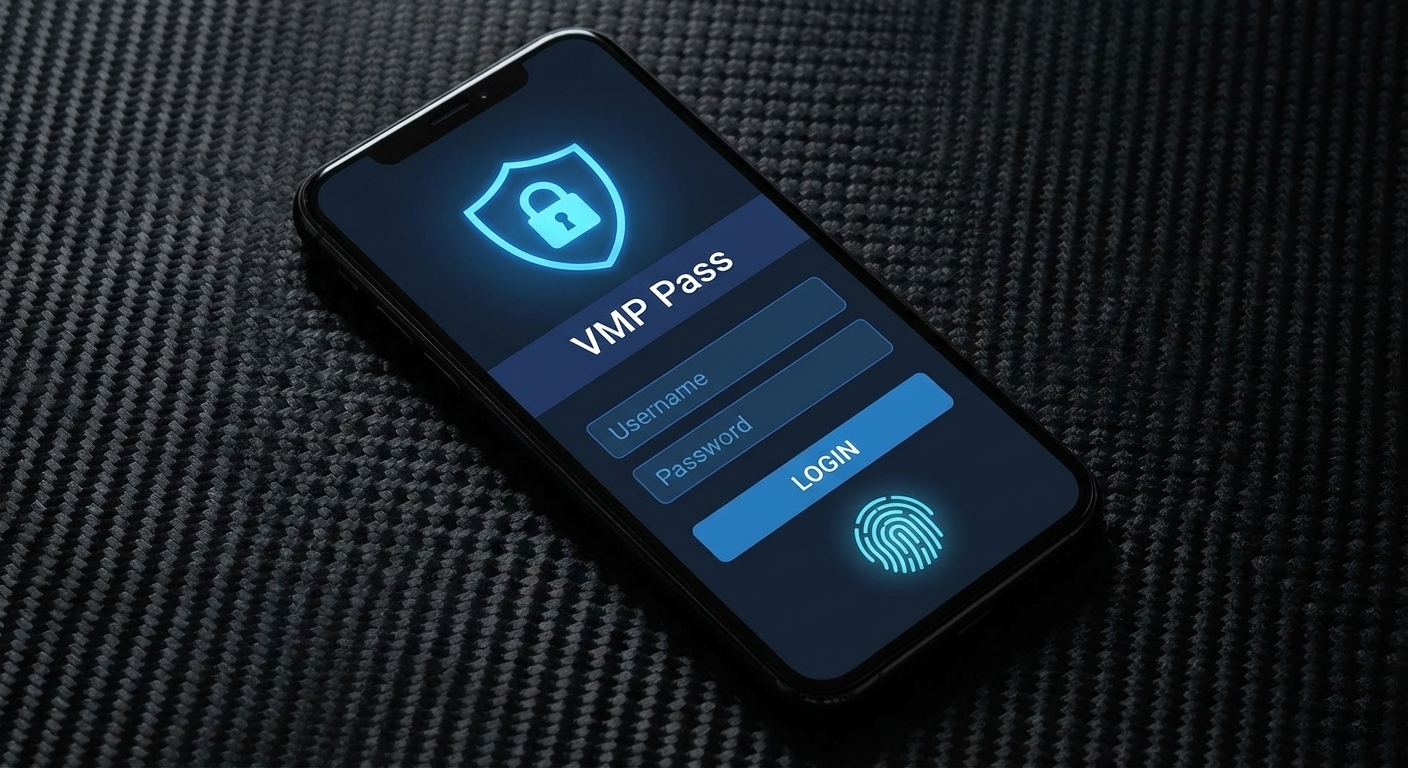
A password manager does the work of creating, remembering, and filling in passwords for you. Save a password once and VMP™ Pass will autofill it the next time you need to log in.

Contact sales

Free trial for all plans available.

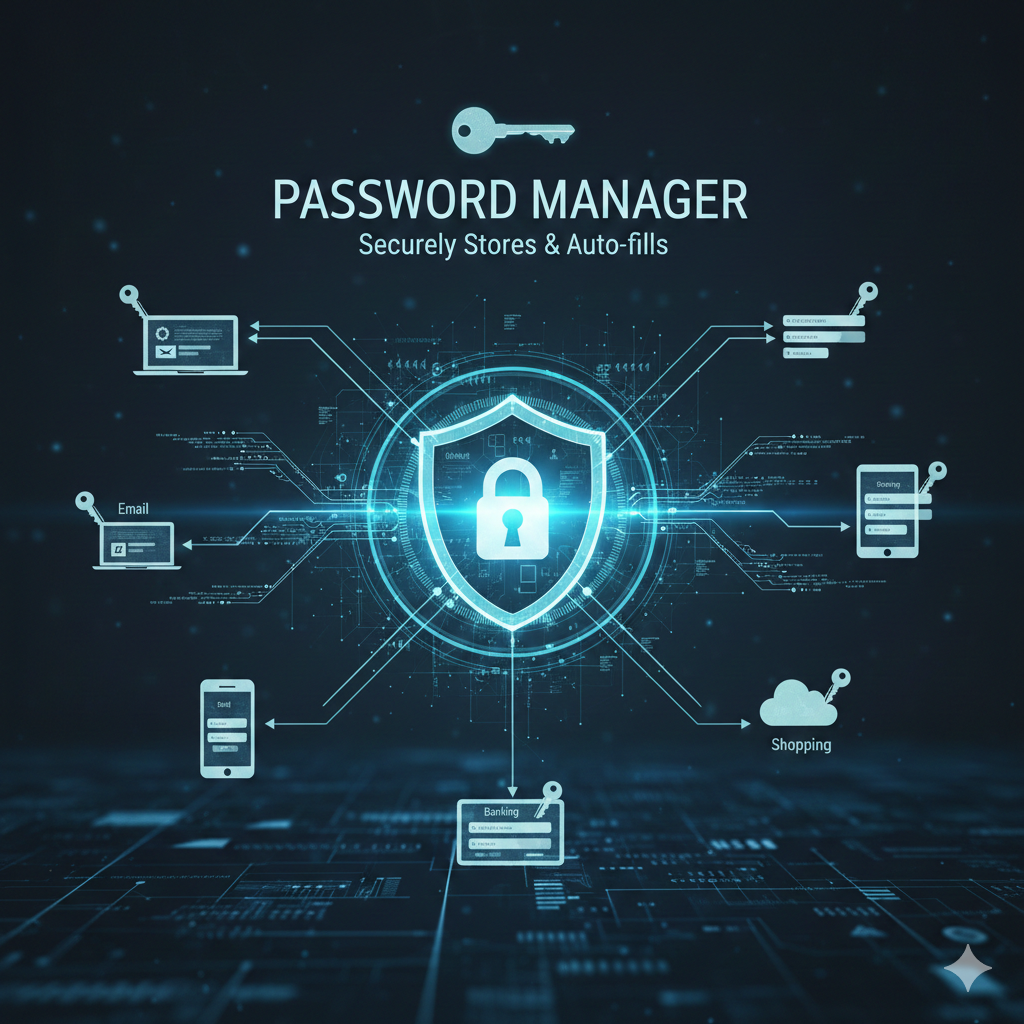
Password Manager Illustration

Benefits of using a password manager

Enhanced security

VMP™ Pass puts security first for users, securing your data through local, zero-knowledge encryption for the password vault and features like a built-in password generator.

Zero-knowledge security →

Time-saving convenience

Password managers like VMP™ Pass simplify your daily routine by keeping all your digital life within arm's reach with features like save and autofill plus storage for secure notes.

Save and autofill →

Cross-platform accessibility

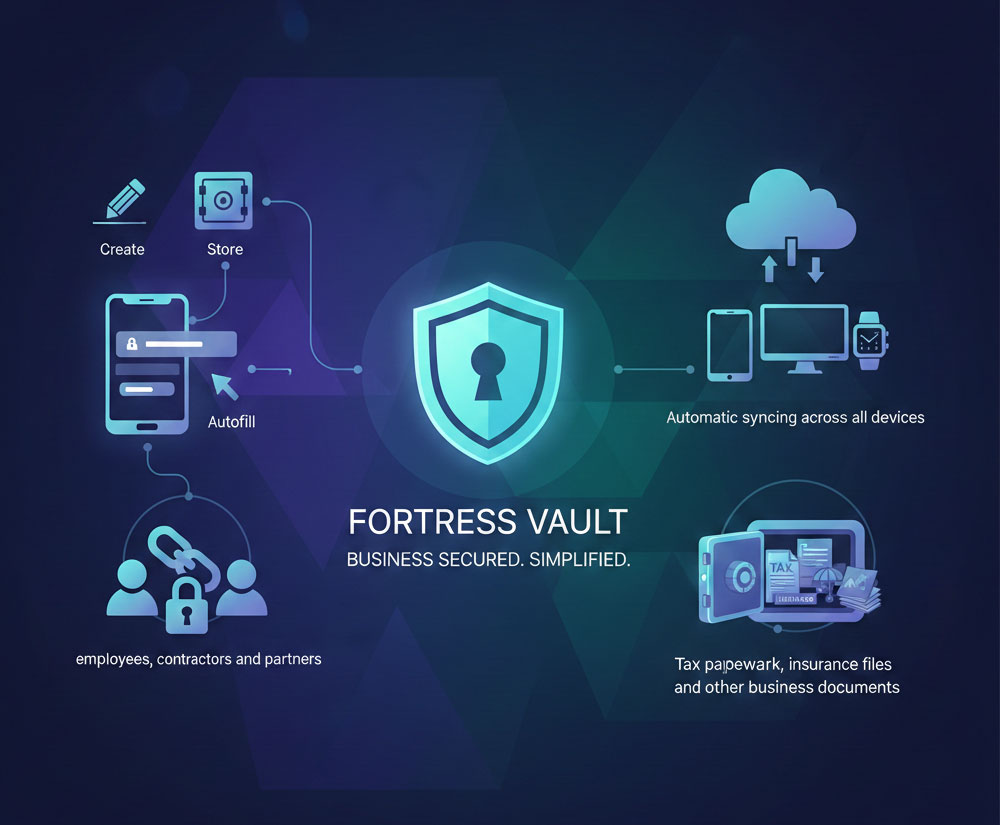
The best password managers support automatic device sync across all your devices, so you can save passwords to mobile apps and immediately access login credentials on a web browser.

Device sync →

Proactive control

Dark web monitoring, also known as data breach monitoring, auto-scans the web for compromised accounts while a 24/7 password strength tool assesses your vault for password risks.

Dark web monitoring →
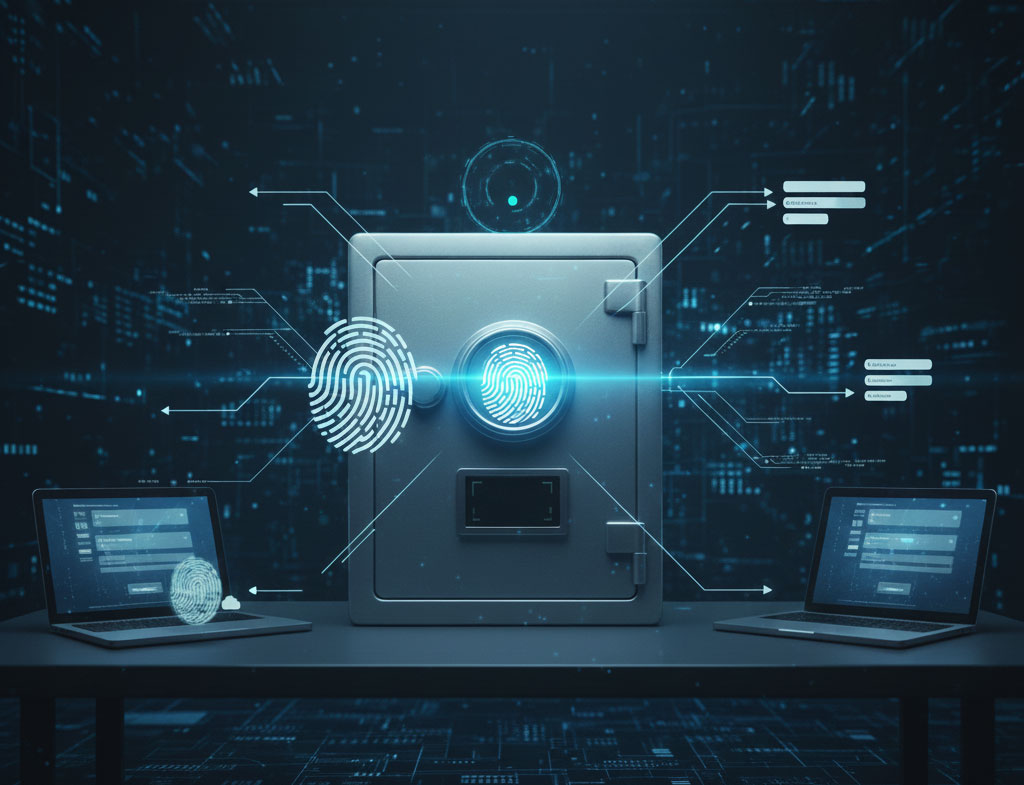
Password Manager Demo

How does a password manager work?

Password encryption and storage

Password manager stores your passwords by saving them within a secure password vault that uses end-to-end encryption to protect against unauthorized access.

Save and autofill functionality

Good password managers provide autofill that saves your time and effort. As soon as you log in, you simply need to click "save," and the right credentials are stored for that site.

Built-in password generator

Instead of reused passwords, the tool can save time while generating and filling in secure passwords for all of your new accounts so you can improve your password habits.

What can I do with a password manager?

Store sensitive personal documents

Whether it's tax documents or medical records, your personal information is secure with VMP™ Pass where you can also store personal information and documentation, passwords, or even emergency contact information in secure, encrypted notes.

Protect your banking information

Log in quickly on banking websites and make fast, secure online purchases when you autofill your payment information. You can even save multiple credit cards with VMP™ Pass password manager, where they'll be protected the entire time.

Securely share credentials

Protect your important security info, whether working with your team on a project or sharing family passwords like health records and login credentials.

Payment details

Access passwords on all your devices

VMP™ Pass browser extensions

  • Google Chrome
  • Mozilla Firefox
  • Microsoft Edge
  • Apple Safari
  • Opera

VMP™ Pass desktop applications

  • Windows
  • macOS
  • Linux

VMP™ Pass mobile applications

  • Android
  • iOS
  • Windows Phone and Platform
  • watchOS (for Apple Watch)

What makes a password manager a secure solution?

Master password and encryption key

VMP™ Pass stores your data using industry-leading encryption standards, but there are still some precautions you can take to protect your account credentials - not even VMP™ Pass employees can see your passwords.

Two-factor authentication (2FA)

MFA is known nationwide by requiring additional layers of verification beyond just a password. This can include things like push notifications, security questions, or one-time passwords.

Dark web monitoring and password health

Dark web monitoring helps you avoid problems on the horizon, detecting any attempts to sell compromised credentials without you even noticing on breached websites. VMP™ Pass's password security dashboard gives you at-a-glance monitoring showing weak passwords and reuse, which gives you visibility into your organization's password security.

Get started with VMP™ Pass password manager

1

Sign up for free trial

Choose to download VMP™ Pass free for a person or sign up for VMP™ Pass Teams or Business with a free trial.

2

Create your master password and save old passwords

Choose a strong, unique master password for your account vault. Save a password so it's securely stored, not forgotten.

3

Download extension or app

Get VMP™ Pass on every device – download browser extensions on Chrome, Firefox, or Microsoft Edge, or use our desktop app and mobile app platforms.

4

Generate and manage password efficiently

Fill in online forms with autofill functionality and let VMP™ Pass create strong, unique passwords with the built-in password generator.

Challenges of using a password manager

Initial setup and learning curve

Getting used to a password manager isn't automatic. Not only do you need to properly organize all your online passwords and move them over, but you'll also need to learn the new tool and build it into your routine. With VMP™ Pass, we'll provide onboarding emails and a walkthrough that will guide you in getting started.

Dependency on a single master password

Using a password manager can be a life-saver, but it's also a big responsibility on its own. Yes, the VMP™ Pass password tool immediately makes your passwords and your online life more secure, but if you think it can't be cracked, your online accounts could be at risk. That's why it's important to create a unique, strong password using symbols and numbers in addition to letters. In addition to that, you can turn on multi-factor authentication.

Potential risks of cloud-based storage

Although storing your passwords in the cloud is indeed convenient, many online users worry about the possibility of data breaches. With VMP™ Pass, users can rest easy with zero-knowledge security architecture.

Types of password managers

Cloud-based password managers

These tools store your encrypted password vault on the provider's secure cloud servers. Your passwords are encrypted locally on your device before being uploaded to the cloud. These typically sync your data between all the devices you use. The cloud servers also allow you to access your passwords anytime. However, hackers, locations, and other issues can affect the cloud.

Local password managers

A local password manager just stores all of your logins—on your specific device with a cloud syncing option. This gives you more control over your data, but also means if something happens to that device, you risk losing all of those passwords.

Browser-integrated password managers

Browser password managers are built-in password management tools included in web browsers like Chrome, Safari, and Firefox. Because all of the information is stored locally on your computer or device, you risk unauthorized access to your stored passwords if someone gains access to your account details.

Best practices for password management

Create strong and unique passwords

A strong password should be at least 12 characters long, include a mix of uppercase letters and lowercase letters, numbers, and symbols. VMP™ Pass' built-in password generator can create this immediately and recommend these passwords to increase your online security.

Regularly updating and changing passwords

You should change your passwords regularly to help protect yourself against password-related attacks and potential compromised accounts. However, changing too frequently can lead to a reduction in password strength. Update your passwords every 3-6 months, unless you suspect you've been compromised, you've shared your credentials with someone else, or if the application hasn't been used for some time.

Enabling multi-factor authentication

Multi-factor authentication is an extra layer of security that requires more than just a password (another factor). This can be something you know, something you have, or something you are such as biometrics. To enable multi-factor authentication on any of your device, just open your password manager settings and follow the on-screen steps to complete the setup, or do it via the admin console.

Frequently asked questions

A password manager securely stores all your passwords in an encrypted vault, generates strong unique passwords for each account, and automatically fills them in when you need to log in. It eliminates the need to remember multiple passwords while keeping your accounts secure.

Writing passwords down is risky because paper can be lost, stolen, or damaged. A password manager like VMP™ Pass provides a more secure alternative by encrypting your passwords and protecting them with advanced security features while keeping them accessible across all your devices.

Yes, with the average person having over 100 online accounts, it's impossible to remember unique, strong passwords for each one. A password manager not only remembers them for you but also helps you create stronger passwords and alerts you to security breaches, significantly improving your online security.

Yes, reputable password managers like VMP™ Pass use military-grade encryption (AES-256 bit) and zero-knowledge architecture, meaning only you can access your passwords. This makes password managers far safer than reusing weak passwords or storing them in unsecured locations.

VMP™ Pass is designed with simplicity in mind. With intuitive browser extensions, mobile apps, and desktop applications, it automatically saves and fills passwords as you browse. The setup takes just minutes, and the interface is user-friendly for both beginners and advanced users.

Absolutely. Using the same password or similar variations across multiple accounts is one of the biggest security risks. A password manager generates unique, complex passwords for each account and remembers them for you, making your online presence significantly more secure without adding complexity to your daily routine.

Don't see your questions here? Visit Support Center.

Get started with VMP™ Pass Teams